
Updated:
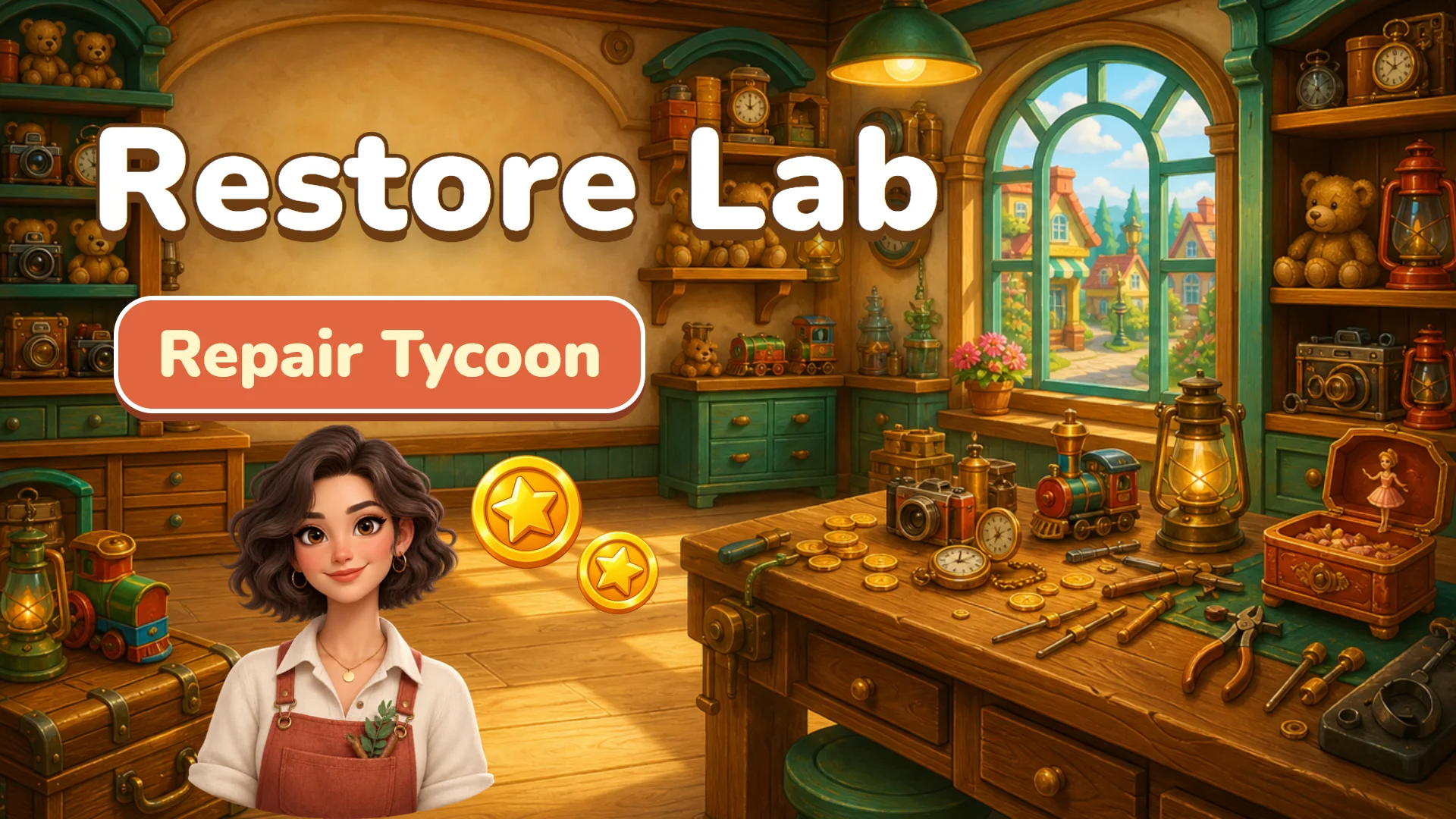
Getting started
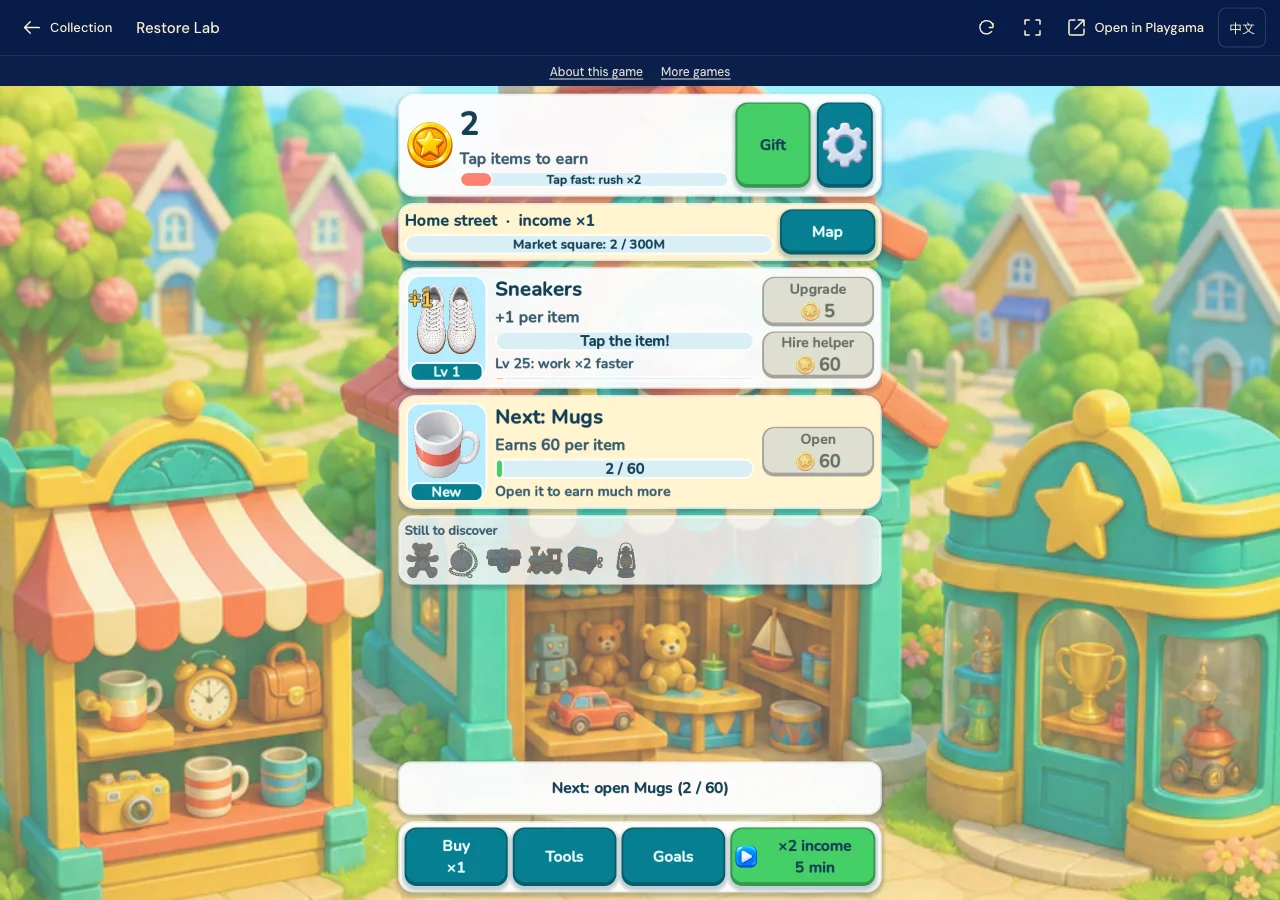
Start by tapping the sneakers on the workbench to speed up repairs. Each finished item earns coins. Use Upgrade to improve a bench, or save for Hire helper to automate it. Follow the repair progress and coin counter before choosing your next investment.
Tapping advances repairs, while your management choices sit in bench upgrades and helpers. New benches introduce different objects. Check the next project’s cost before spending your earnings.
Choose your management pace
Start with Restore Lab if you enjoy tapping and deciding where to invest. For moving a character between work areas, try Car Wash Idle or OIL RIG Driller.
If the workbench does not appear
If the opening stays on a black screen, use Reload at the top of the player and allow the game to load again. One normal reload resolved this in our opening session.
Devices and source
Play in your browser
The official listing supports PC, Android and iOS. Use portrait orientation. The game supports English. The site language switch changes the surrounding pages, not the game. An internet connection is required.
Developer: ZM_DEV_SKIF. Floor 2½ provides this introduction and play entry.
The game is provided by Playgama and may show ads. See our privacy notice. View the Playgama game page.