
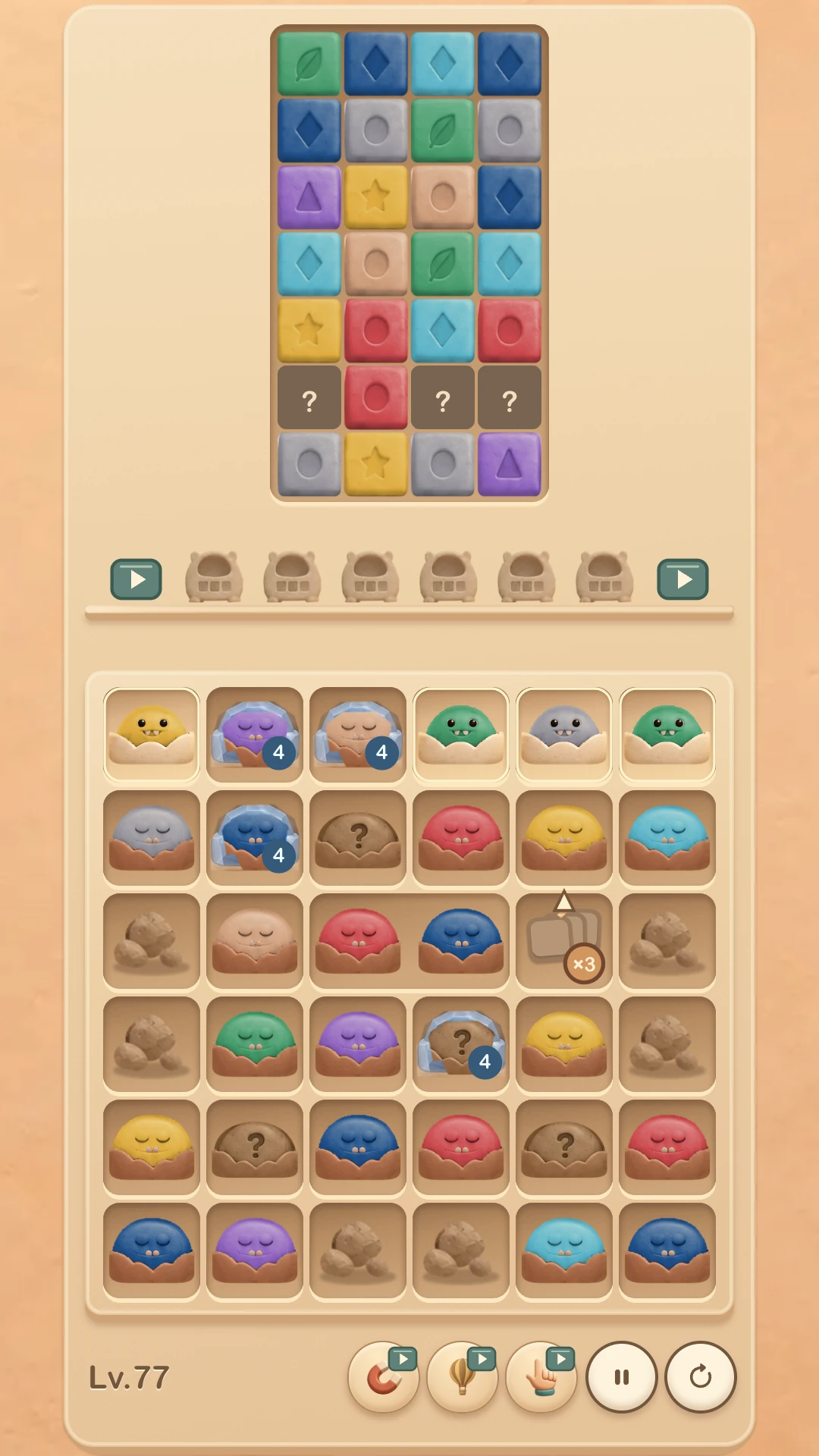
How to play
Choose a monster, match its colour, manage the space.
- Click or tap an awake, available little monster. It enters an empty collection slot and automatically collects blocks of its colour.
- When a little monster holds three matching blocks, it leaves and frees the slot it used.
- Some choices open adjacent monsters. Clear every block to finish the level; filling the slots with no useful choice left ends the run.
This is a colour-matching match-three variant, but you do not swap adjacent tiles to make a line. The decision is which monster to take first, which colour can fill soon and how much room remains for the next choice.
An illustrative decision
Free a slot, or occupy one?
Imagine that two slots are empty and three monsters are open: blue, orange and blue. Suppose blue can currently collect exactly three blue blocks and leave, while orange can collect only one and must stay. Taking blue first gives the slot back after it fills; taking orange first temporarily leaves less room. A later board can reverse that choice, so the colours and availability still matter.
Boundary: this is a teaching example built from the real rules. It does not describe the Level 77 screenshot above or promise the same opening in every level.
Controls and progress
Play with touch or a mouse.
Use the pause and restart controls beside the board. The pause screen also contains unlocked level selection, language, music and sound-effect settings. When browser storage is available, the game saves progress, earned game items and settings in that browser. Clearing site data, using private browsing or moving to another browser or device can remove or separate that data.
For a closer look at the familiar and unfamiliar decisions, read the guide to swap matches and slot decisions.
Before you play
No account. Open and play.
Why is there no sound?
Browsers may wait for a tap or click before allowing audio. Start the game, then check Music and Sound Effects in Settings.
What if the game does not load?
Check your connection and reload the page. If the problem continues, send the device, browser and reproduction steps to founder@floor2p5.com.